


 Continue with Google
  Continue with Facebook
 Why choose TechSpere?
Local, regional and worldwide coverage in 200+ countries
Flexible plans, including data and voice options
Simple setup by QR code in just a few minutes
Responsive support and secure payment
What is an eSIM?
An eSIM is a digital SIM that lets you activate a mobile plan without a physical card. Watch the short video, then choose the TechSpere plan that fits you.
TechSpere Basic
Choose Basic if you only need internet — our cheapest data plans across 200+ countries.
TechSpere Premium
Choose Premium for the best network quality — faster, more stable data, regional and worldwide.
TechSpere Plus
Choose Plus to call and text too — the only tier with real calls, SMS and global voice.
Get eSIMs for popular destinations
Discover our most popular eSIMs. Plans start from the price shown.


Frequently asked questions
Go to the help centerWhich devices are compatible with eSIM?
Most recent phones support eSIM: iPhone XR / XS and newer, Samsung Galaxy S20 and newer, Google Pixel 3 and newer, and many other recent models.
Quick check: dial *#06#. If an EID number appears, your phone supports eSIM. Your phone must also be unlocked (not locked to one carrier).
How do I install an eSIM on iPhone?
- Connect to Wi-Fi.
- Go to Settings › Mobile Data (Cellular) › Add eSIM.
- Choose Use QR Code and scan the QR code of your TechSpere eSIM (or enter the details manually).
- Give the line a name (e.g. “TechSpere”) and select it for Mobile Data.
- Turn on Data Roaming for this eSIM line when you arrive.
When does my plan start?
For most plans, the validity period starts when the eSIM first connects to a supported network at your destination — not at the time of purchase. The exact rule is shown on each plan before you buy.
How do I install an eSIM on Android (Samsung, Pixel)?
- Connect to Wi-Fi.
- Samsung: Settings › Connections › SIM manager › Add eSIM. Pixel: Settings › Network & internet › SIMs › Download a SIM instead.
- Scan the QR code of your TechSpere eSIM.
- Select the eSIM for Mobile data.
- Turn on Roaming for this eSIM when you arrive.
Menu names can vary slightly depending on your model.
How do I buy an eSIM?
- Search for your destination in the search bar, or open the eSIM shop.
- Choose a plan (data amount and validity).
- Pay securely.
- Your eSIM and its QR code appear in My eSIMs and are sent to you by e-mail.
Trusted by 100,000+ Business










Redefining Connectivity with eSIM Technology
We are revolutionizing mobile connectivity through cutting-edge eSIM technology, delivering seamless, flexible, and borderless communication solutions. As a leading eSIM provider, our mission is to empower users with instant access to global networks—anytime, anywhere—without the limitations of traditional SIM cards.
-

k
Total eSIM
-

k
SIM User
-

+
Destinations
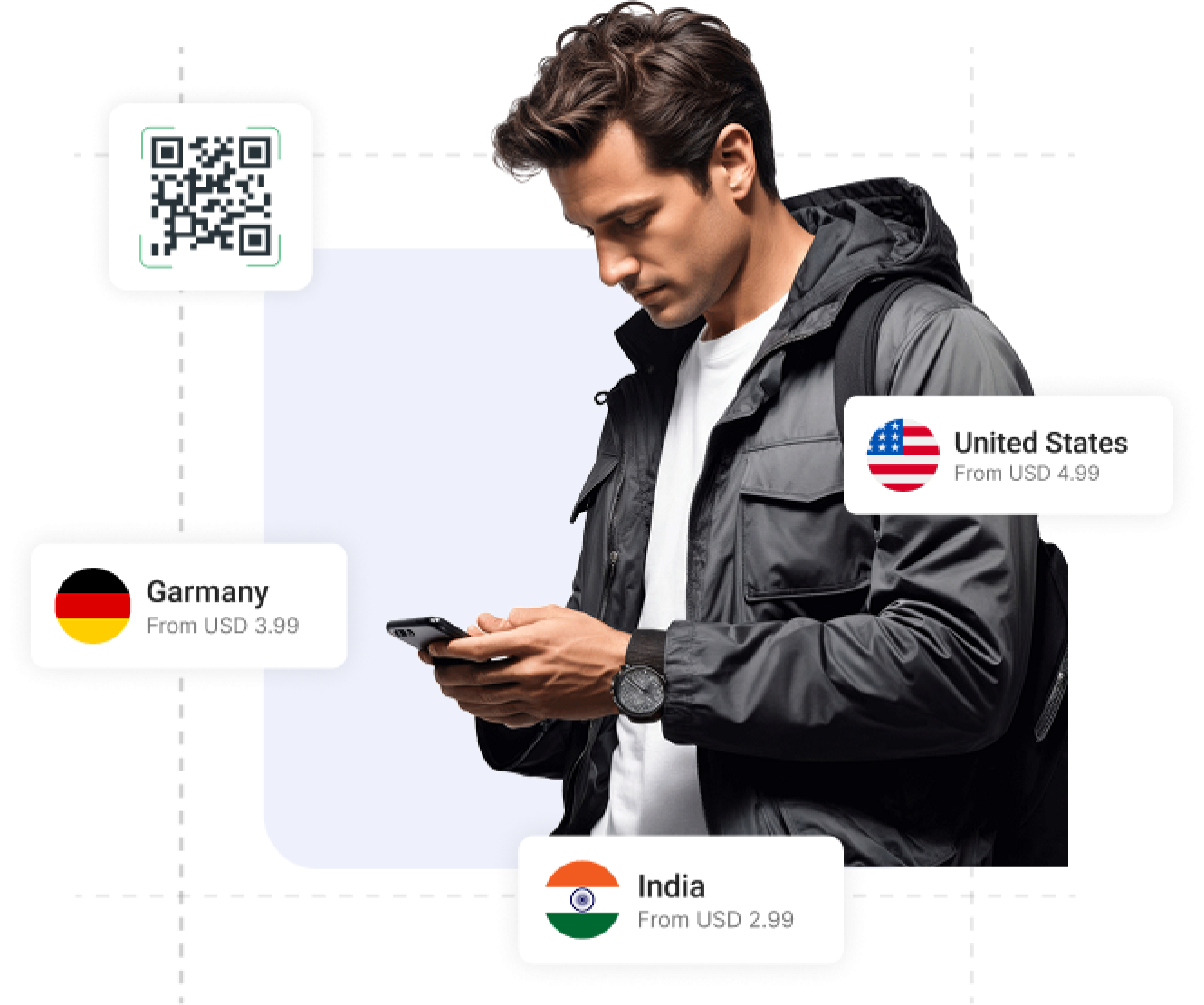

Connect Instantly
"Connect Instantly" refers to the ability of an eSIM (embedded SIM) to activate and provide mobile connectivity immediately, without needing a physical SIM card. This feature allows users to switch networks, purchase data plans, and get online in just a few steps—usually by scanning a QR code
-

Select Destination
-

Purchase Plan
-

Scan QR Code
-

Enjoy your data plan
Best Pricing Plan Ever
Get the best eSIM rates with flexible data options. High-speed data at budget-friendly prices. Transparent pricing with no surprises. Choose the perfect plan for your needs. Enjoy seamless coverage without overspending.
-

Affordable Rates
-

No Hidden Fees
-

Flexible Packages
-

Instant Activation
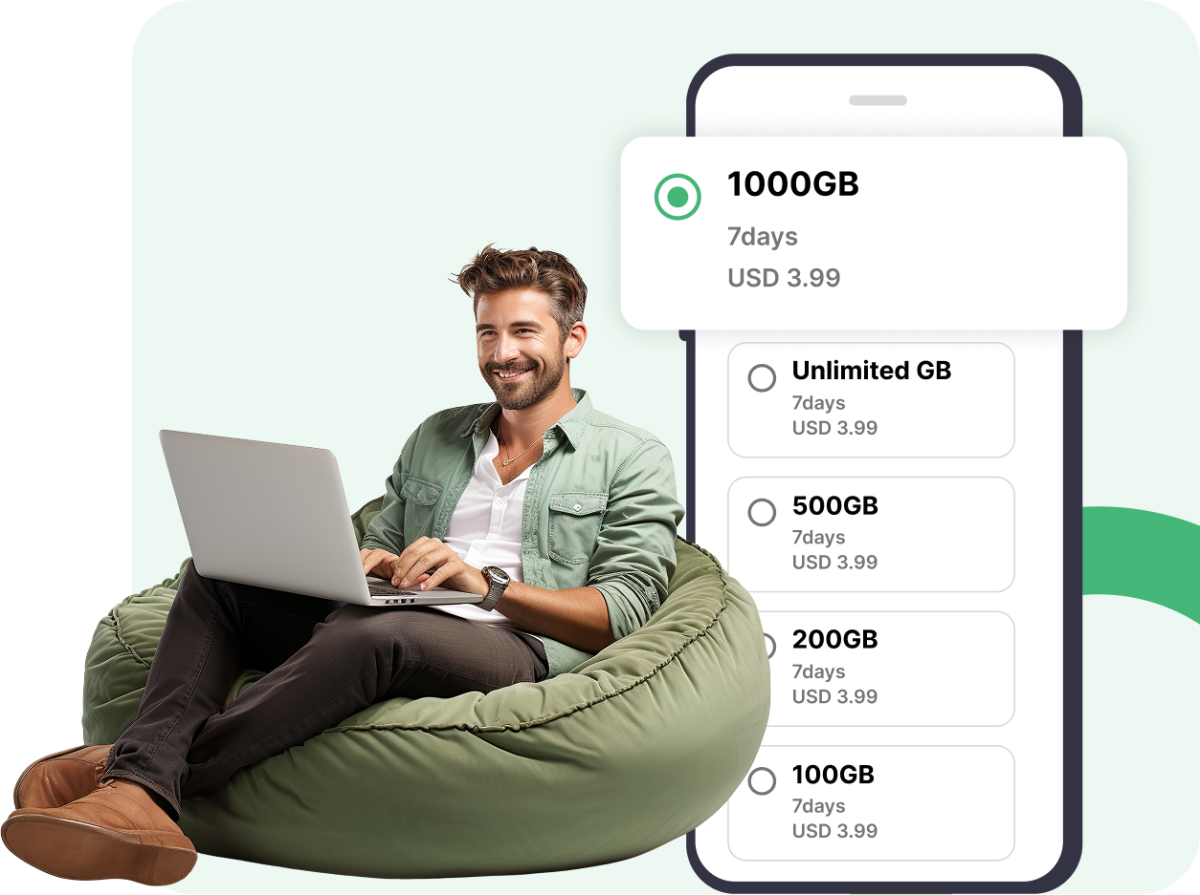

Money-Back Guarantee
Not satisfied? Get a full refund, hassle-free! If our eSIM doesn’t work, we’ll refund your money. We stand by our service, no questions asked. Get a refund if your eSIM doesn’t activate as promised. Reliable service with a money-back guarantee.
-

Risk-Free Purchase
-

Easy Refund Process
-

Fast Processing
-

Customer Support Help

Invite Friends & Get Rewarded!
Earn commission every time someone signs up through your referral link. The more you share, the more you earn — there’s no limit! Your friend benefits too with exclusive rewards or discounts. It’s quick, easy, and totally free to join. Start sharing today and turn your connections into real income!
How to Refer a Friend
Share your referral link and earn commission.
1
Share your referral link with your friends.

2
Your friend signs up and buys a plan.

3
You earn a referral commission.
Our Campaigns
See our latest campaigns & enjoy your eSIM services.
How It Works
If you want to purchase an eSIM plan, follow these steps to activate it.
Choose an eSIM destination for your trip
Choose an eSIM destination for your trip and instantly access affordable mobile data plans tailored to your travel needs
Purchase a Plan
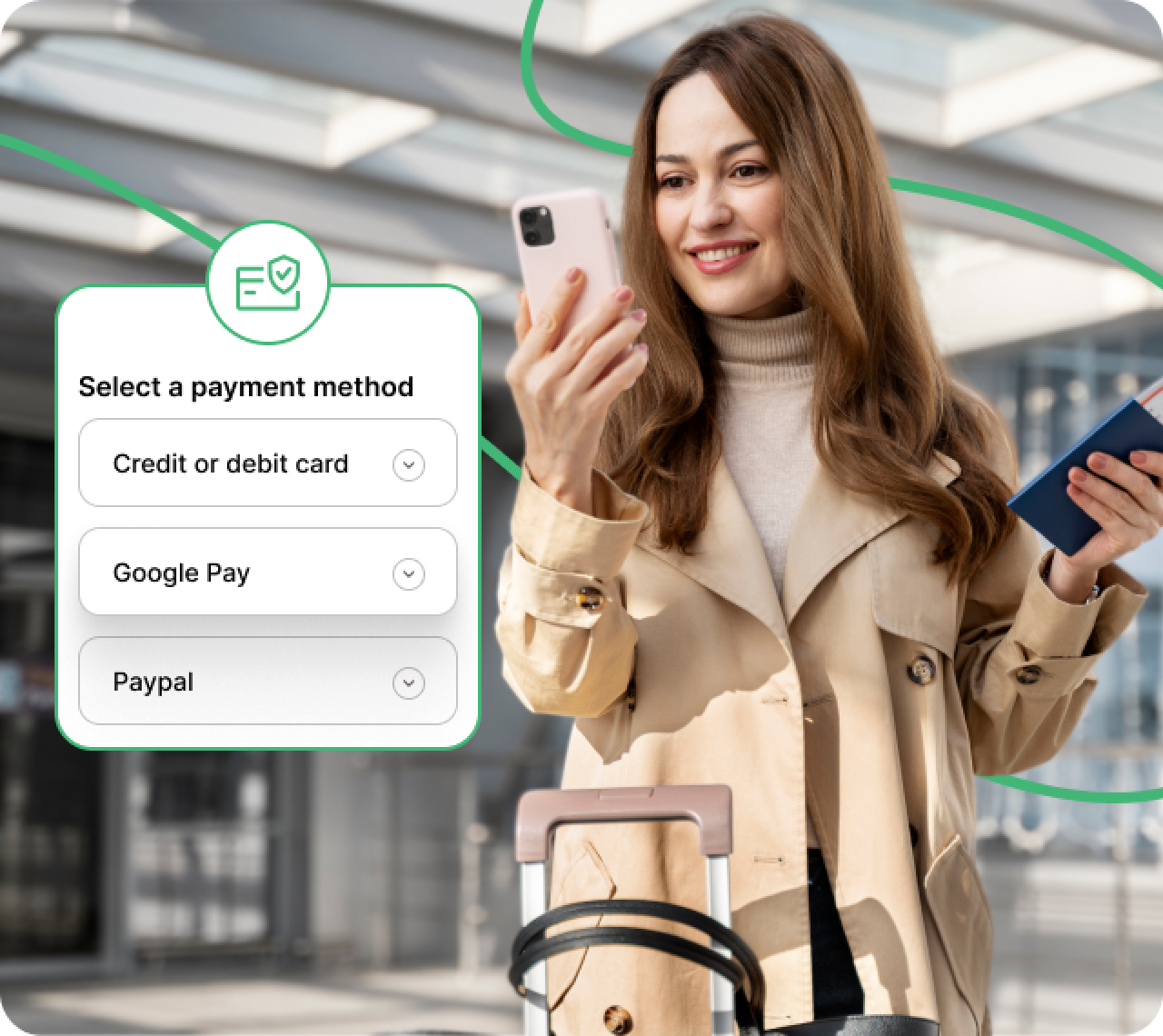
Securely complete your payment for the eSIM and get instant access to your mobile data plan.
Scan the eSIM QR code for activated eSIM & enjoy
Scan the eSIM QR code to activate your plan instantly. Once activated, you're all set to enjoy seamless connectivity wherever you go.

Our Services
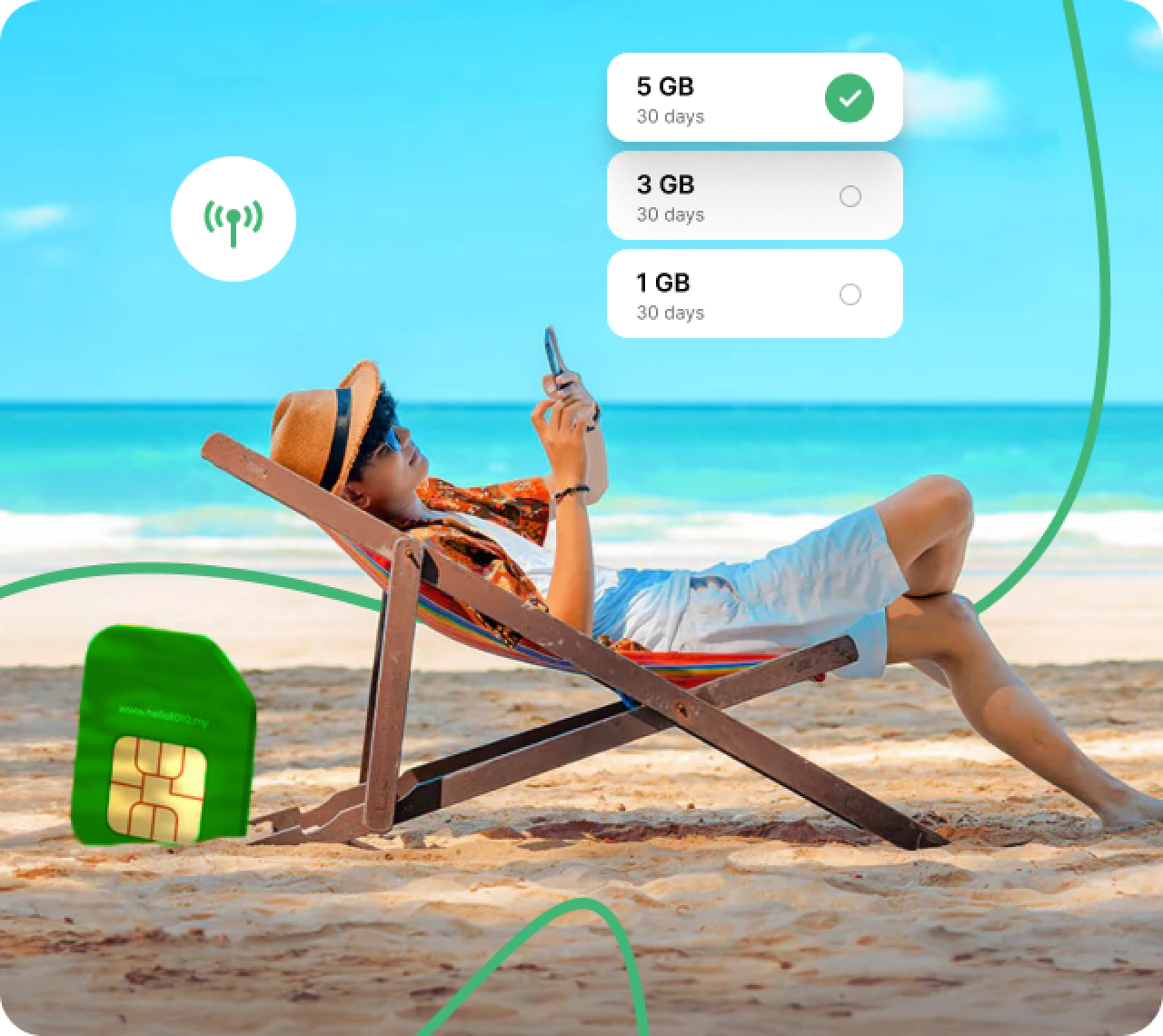
We offer easy-to-use eSIM plans to keep you connected wherever you go.

Internet Service
A connection to the internet that allows users to access services.

Buy Internet Data
You could buy mobile data through your Settings app.

Video & Audio Call
Video & audio calling allows you to directly call one another.

Bill Payment
eSIMs can be used to access banking services and make payments.
Our Latest Blogs
Stay updated with tips, news, and guides about eSIM and travel connectivity.

07 Jul 2025
Which Devices Support eSIM in 2025

07 Jul 2025
Troubleshooting Common eSIM Activation Issues

07 Jul 2025
How eSIM Is Changing the Way We Stay Connected

Martin Jonas
Head of marketing, Intel
I have good experience with the company. eSIM.me works flawlessly on several of my Motorola phones. Support is great.

Robert Fox
Head of marketing, Intel
I have good experience with the company. eSIM.me works flawlessly on several of my Motorola phones. Support is great.

Audra Shepard
CEO
I have used their plans. They are very professional, and the service was top-notch.